
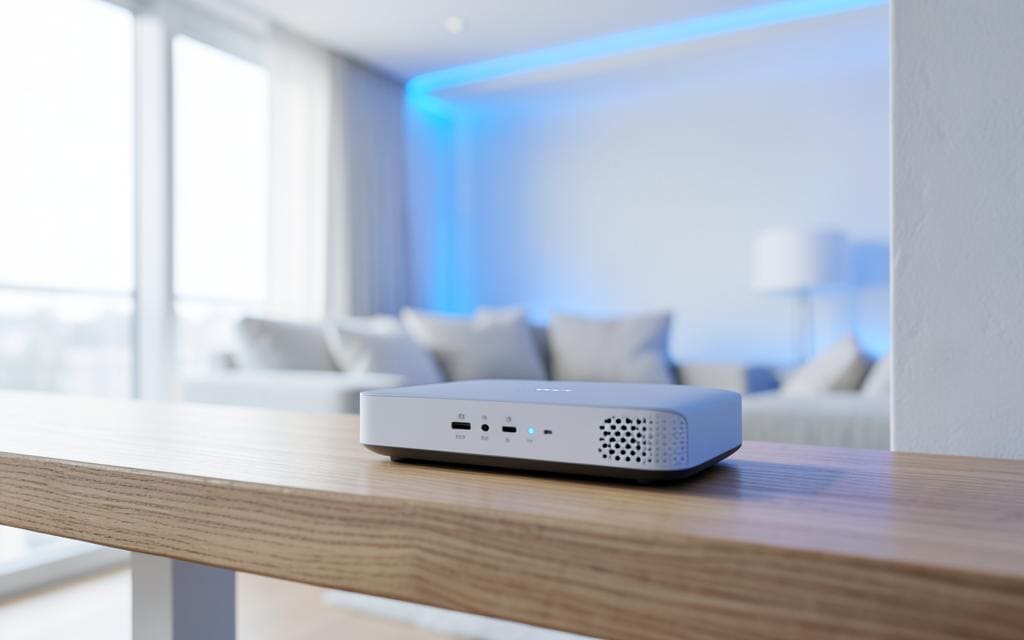
A reliable Wi-Fi connection has become essential for everyday life. From working remotely and attending virtual meetings to streaming entertainment and connecting smart home devices, we depend on our home network more than ever.
When your Wi-Fi is slow, unreliable, or constantly dropping, the problem may not always be your internet provider. Router placement, network congestion, outdated equipment, and interference can all affect your connection.
1. Place Your Router in the Right Location
Router placement can have a significant impact on Wi-Fi performance.
For the best coverage, place your router:
- In a central location within your home
- In an elevated, open area
- Away from walls and large furniture
- Away from microwaves and other electronic devices
- Away from metal objects that can interfere with wireless signals
Avoid placing your router inside a cabinet or in a corner, as this can restrict the wireless signal.
2. Restart Your Router Regularly
Sometimes a simple restart can resolve temporary connection problems.
Restarting your router can help clear minor software issues, refresh network connections, and improve performance. If your Wi-Fi frequently becomes slow or disconnects, restarting the equipment can be a useful first troubleshooting step.
3. Keep Your Router Firmware Updated
Router manufacturers regularly release firmware updates to improve security, stability, and performance.
Check your router manufacturer’s instructions to determine how to install available updates. Keeping your router updated can help protect your network while ensuring that your equipment operates properly.
4. Use the Right Wi-Fi Band
Modern routers commonly support multiple wireless bands, including 2.4 GHz and 5 GHz. Newer equipment may also support 6 GHz.
The 2.4 GHz band generally provides better range and can work well when devices are farther from the router. The 5 GHz band typically provides faster speeds over shorter distances.
If your router supports multiple bands, connect devices to the band that best suits their location and performance requirements.
5. Reduce Network Congestion
Having many devices connected to your Wi-Fi network at the same time can affect performance.
Smart TVs, phones, laptops, gaming consoles, security cameras, smart speakers, and other connected devices all use network bandwidth.
Consider disconnecting devices that are not being used or prioritizing important devices when your network becomes congested.
6. Consider a Wi-Fi Mesh System
If you have a large home or areas where the Wi-Fi signal is weak, a mesh Wi-Fi system may provide better coverage.
Mesh systems use multiple access points to distribute Wi-Fi throughout your home. This can help eliminate dead zones and provide a more consistent connection across multiple rooms.
7. Test Your Internet Speed
If your Wi-Fi seems unusually slow, run an internet speed test from different locations in your home.
Compare the results when you are:
- Close to the router
- Far away from the router
- Using different devices
- Connected at different times of the day
This can help determine whether the issue is related to Wi-Fi coverage, your device, network congestion, or your internet service.
8. Secure Your Wi-Fi Network
An unsecured Wi-Fi network can allow unauthorized users to connect to your network and consume bandwidth.
Use a strong Wi-Fi password and modern wireless security settings supported by your router. Avoid sharing your primary Wi-Fi password unnecessarily.
You can also consider creating a separate guest network for visitors and smart home devices when supported by your equipment.
9. Upgrade Older Network Equipment
Older routers may struggle to provide reliable performance for today’s connected homes.
If your router is several years old, upgrading to newer Wi-Fi technology may improve speed, coverage, security, and the number of devices your network can support.
Before purchasing new equipment, make sure it is compatible with your internet service and meets the needs of your household.
10. Get Professional IT Support
If you’ve tried the basic troubleshooting steps and your Wi-Fi is still unreliable, there may be a more complex networking issue.
Problems with router configuration, wireless interference, network design, cabling, or connected devices can require professional troubleshooting.
A professional IT support provider can evaluate your home network, identify the cause of connectivity problems, and recommend solutions that improve reliability and coverage.
Improve Your Home Wi-Fi With StablePoint IT
A dependable home network makes it easier to work, study, stream, communicate, and use connected devices without constant interruptions.
If you’re experiencing slow speeds, Wi-Fi dead zones, frequent disconnections, or other networking problems, StablePoint IT can help you identify the issue and find the right solution.
Need help with your home Wi-Fi or network? Contact StablePoint IT today to get reliable technology support.