
MANAGED IT SERVICES
Business IT Support When Your Team Needs Technical Help
Technology issues can interrupt an otherwise normal workday. A computer may stop working properly, employees may lose access to an account, software may fail, or a connection problem may affect how your team works.
StablePoint IT provides business IT support for companies that need help resolving day-to-day technology issues. Whether the problem affects one employee or several people in the workplace, support can be provided remotely or onsite depending on the situation. We work with businesses across Northern California, including San Francisco and Oakland.


IT SUPPORT & MANAGEMENT
When Small IT Problems Disrupt the Workday
Not every technology issue brings the whole office to a stop. A single employee may lose access to an application, a printer may stop responding, or a computer may suddenly run slowly.
These problems can still cost your team time when employees have to pause their work or spend part of the day trying to troubleshoot them. Business IT support gives your staff a reliable way to get technical issues assessed and addressed. Support can also help when a problem keeps returning and a temporary fix is no longer enough.
WHAT WE COVER
Common Issues We Can Help With

Computer & Device Problems
Slow performance, system errors, hardware concerns, and device setup issues can affect daily work. We help investigate what is causing the problem and determine the right next steps.

Network & Connectivity Issues
Connection problems can interrupt access to online tools, shared systems, and workplace resources. Support is available to troubleshoot internet, network, and device connectivity concerns.

Software & Application Issues
Applications may experience errors, installation problems, update issues, or configuration changes. We can help identify what is affecting the software and work toward a solution.

Email & Account Access
Email problems, login issues, password concerns, and user access errors can quickly disrupt communication. Technical assistance can help resolve access and configuration problems.

Printers & Office Equipment
Printers, scanners, monitors, and other connected equipment can stop working for many reasons. We help troubleshoot the issue and check the relevant devices, connections, and settings.

Employee IT Assistance
Sometimes an employee simply needs help with a device, application, account, or system. IT support gives your team somewhere to turn when they need technical assistance.
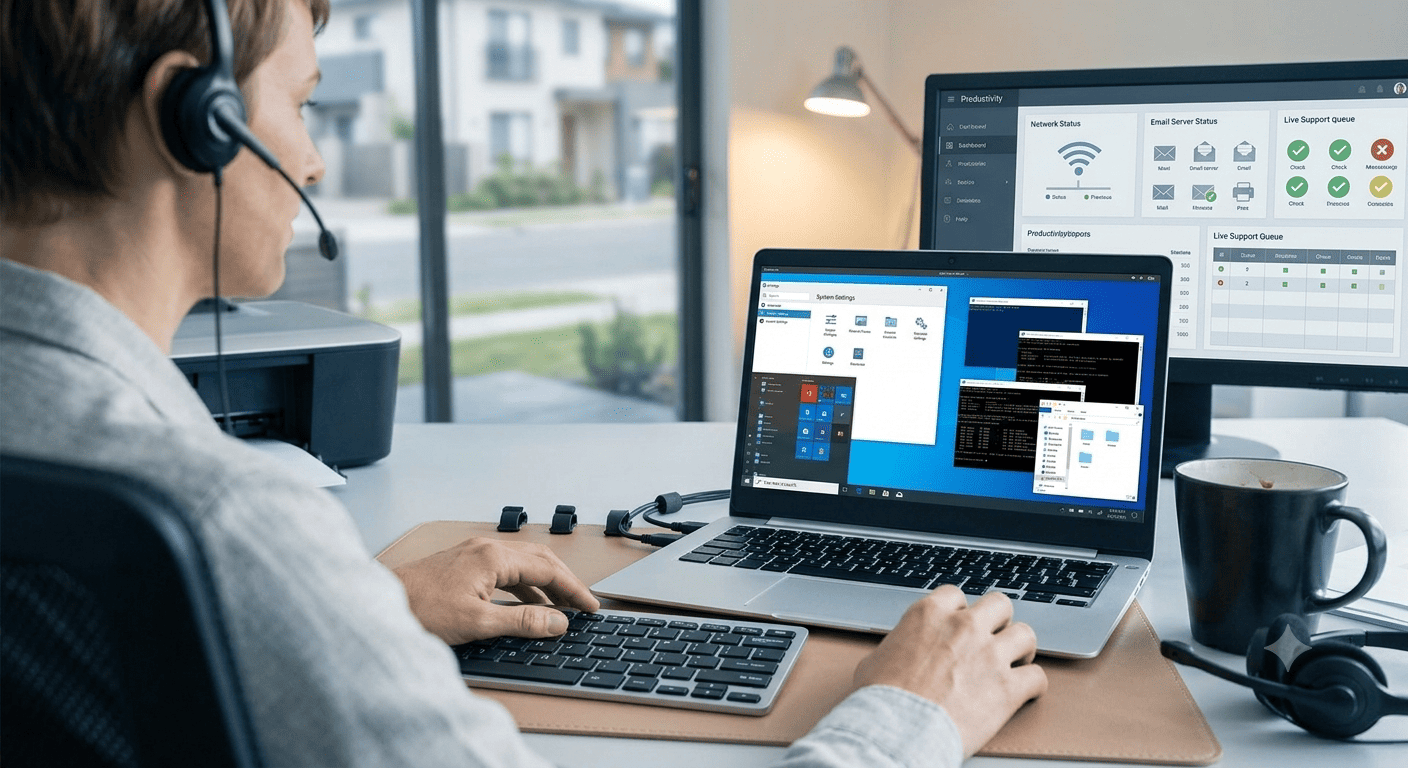
Some technology problems can be investigated without an onsite visit.
Remote IT support can be useful for issues involving software, email, user accounts, system settings, and other problems that can be accessed remotely. This allows troubleshooting to begin without requiring someone to visit your workplace for every issue.
The type of problem will determine whether remote assistance is the right option.

Onsite IT support may be appropriate for hardware issues, office equipment problems, multiple affected devices, or situations involving the physical workplace setup. It can also be useful when troubleshooting requires direct access to equipment and connections.
Onsite assistance allows the issue to be examined directly when physical access to the equipment or workplace setup is required.
WHO WE HELP
Who Can Benefit From Business IT Support?
Business IT support can be useful whether your company has no dedicated IT staff or already has someone handling day-to-day technology tasks.
It can be a good fit for:
- Small businesses that need outside technical assistance
- Growing teams adding users, devices, or software
- Offices that need help with occasional technology problems
- Businesses dealing with recurring technical issues
- Internal IT staff who need additional expertise
- Companies facing a specific technology challenge
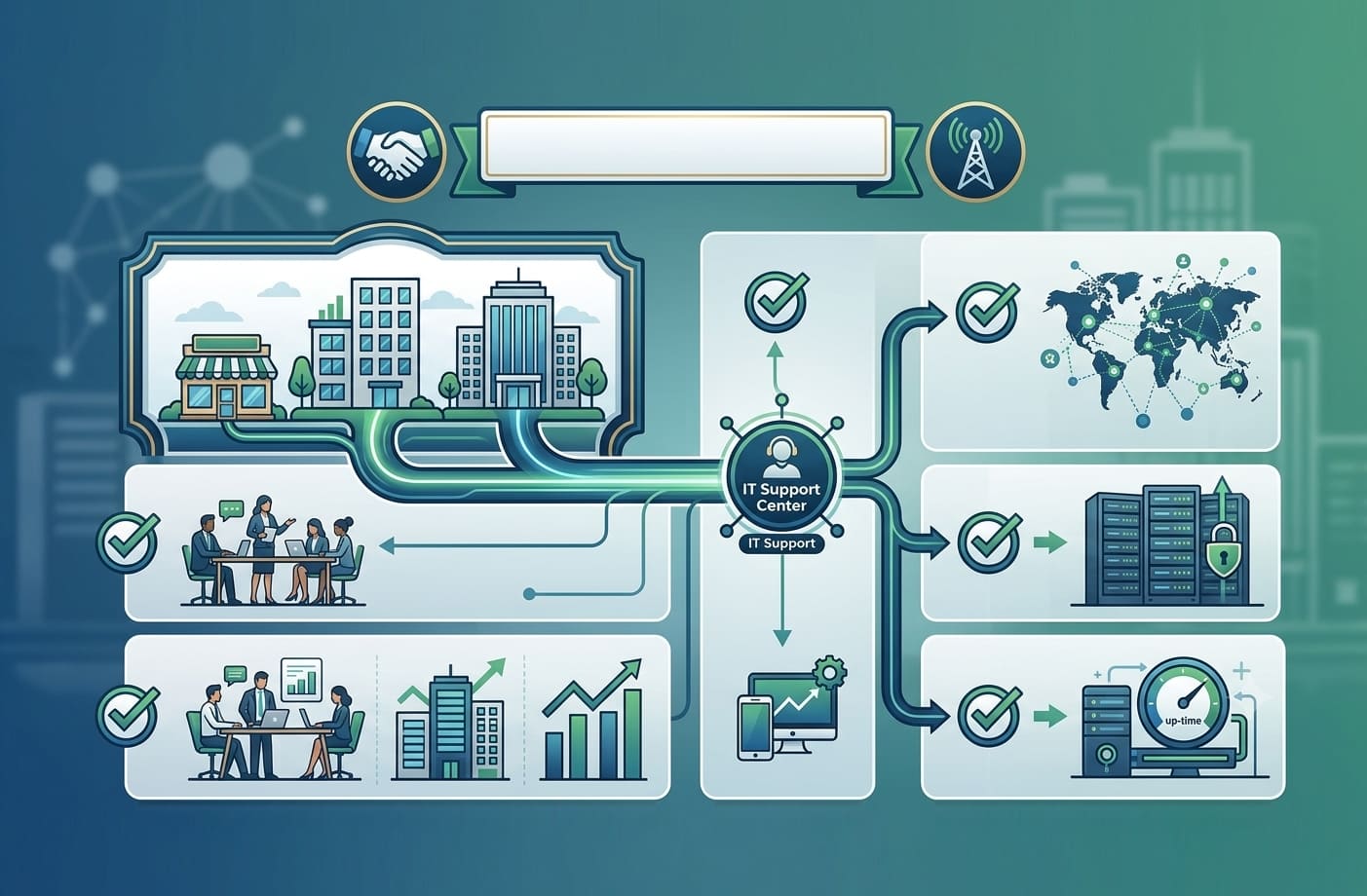
The level of assistance can vary depending on your workplace, existing IT resources, and the type of issue you need to address.
RECOGNIZING THE SIGNS
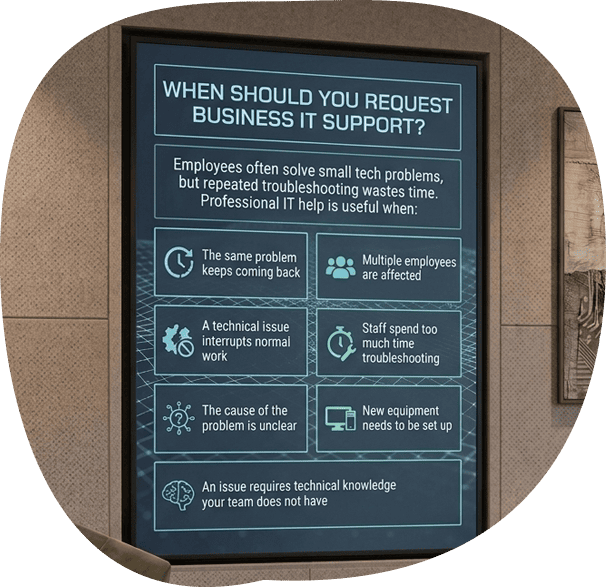
When Should You Request Business IT Support?
It is common for employees to try solving small technical problems themselves. However, repeated troubleshooting can take time away from their actual work and may not address the cause of the issue.
Professional IT assistance may be useful when:
- The same problem keeps coming back
- Multiple employees are affected
- A technical issue is interrupting normal work
- Staff are spending too much time troubleshooting
- The cause of the problem is unclear
- New equipment needs to be set up
- An issue requires technical knowledge your team does not have
Getting help earlier can prevent a minor issue from continuing to disrupt your team’s work.

SERVICE COMPARISON
Business IT Support vs. Managed IT Services
Business IT support is for specific technical problems and occasional assistance with computers, software, accounts, connectivity, and other workplace technology.
Managed IT services are for businesses that want ongoing management, maintenance, monitoring, and technical oversight of their IT environment.
If you need help with a specific issue, business IT support may be the right fit. If you need ongoing IT management, managed IT services are designed for that purpose.
STEP-BY-STEP SUPPORT
What to Expect When You Request Support
1. Tell Us What Is Happening
Share details about the issue, the devices or systems involved, and how it is affecting your work.
2. Determine the Right Type of Assistance
Based on the situation, we can determine whether remote troubleshooting or onsite support is more suitable.
3. Investigate the Issue
The problem is reviewed to identify what may be causing it and what steps are needed to address it.
4. Work Toward a Solution
The appropriate troubleshooting and technical work are carried out based on the nature of the issue.

BAY AREA IT SERVICES
Business IT Help for Northern California Workplaces
A technical problem can affect one employee or make it difficult for an entire team to work. StablePoint IT helps businesses in San Francisco and Oakland troubleshoot workplace technology issues and determine the appropriate next step.
Whether you need help with a computer, application, account, network connection, or another business technology issue, we can assess the situation and discuss the available support options.
REQUEST SUPPORT
Need Help With a Business IT Issue?
If a technology problem is getting in the way of your team’s work, let us know what is happening. Share the issue you’re facing, and we can help determine the right type of support for your business.
FAQ
Frequently Asked Questions
Can you help if we already have an internal IT team?
Yes. Some businesses need additional support when their internal team is busy, lacks expertise in a particular issue, or needs extra help with a technical problem.
What information should we provide when requesting IT support?
Tell us what is not working, when the issue started, who is affected, and whether anything changed before the problem appeared. Error messages or screenshots can also be helpful when available.
Can you help with an issue affecting only one employee?
Yes. Not every business IT issue affects the entire workplace. Support may be needed for an individual computer, account, application, email, or connected device.
Can you help with IT problems that are affecting multiple employees?
Yes. When several employees experience the same issue, the cause may involve a shared network, application, server, or another part of the workplace setup. We can investigate the wider issue rather than treating each affected device as a separate problem.
Can you help investigate recurring technology problems?
Yes. If the same issue keeps returning, troubleshooting can focus on identifying possible causes rather than repeatedly addressing only the immediate problem.