Complete Camera Solutions

Security Camera Solutions for Business

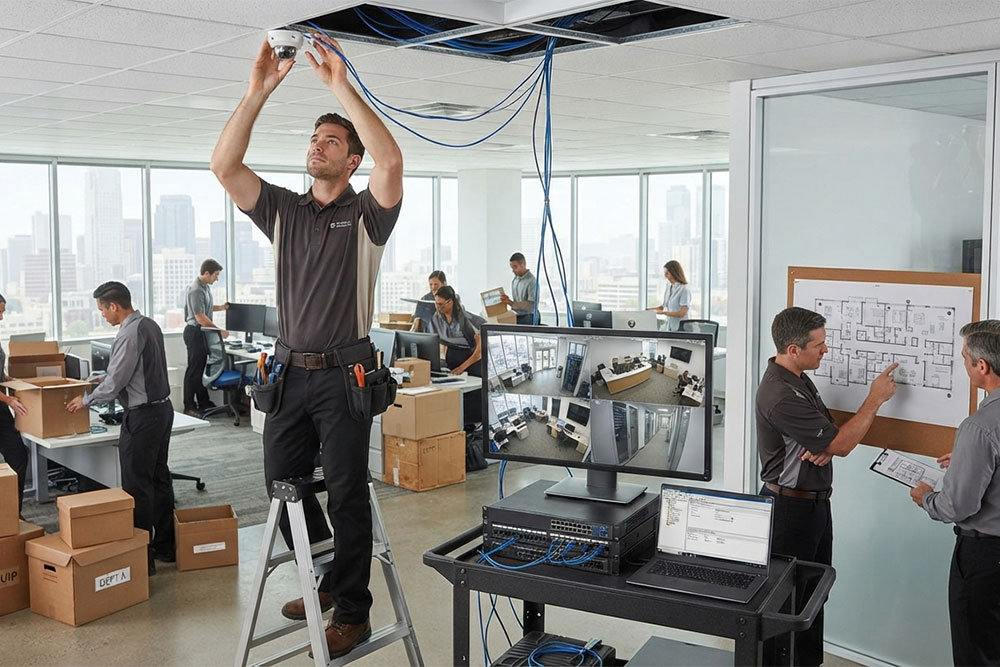
Different workplaces need different levels of camera coverage. We can help with the technical setup based on your premises and the areas that need to be monitored.
Desktop Windows

Camera System Installation

We install security camera systems according to the layout and requirements of your business, including camera positioning and the equipment needed for the setup.
Camera Placement & Coverage

Camera Placement & Coverage

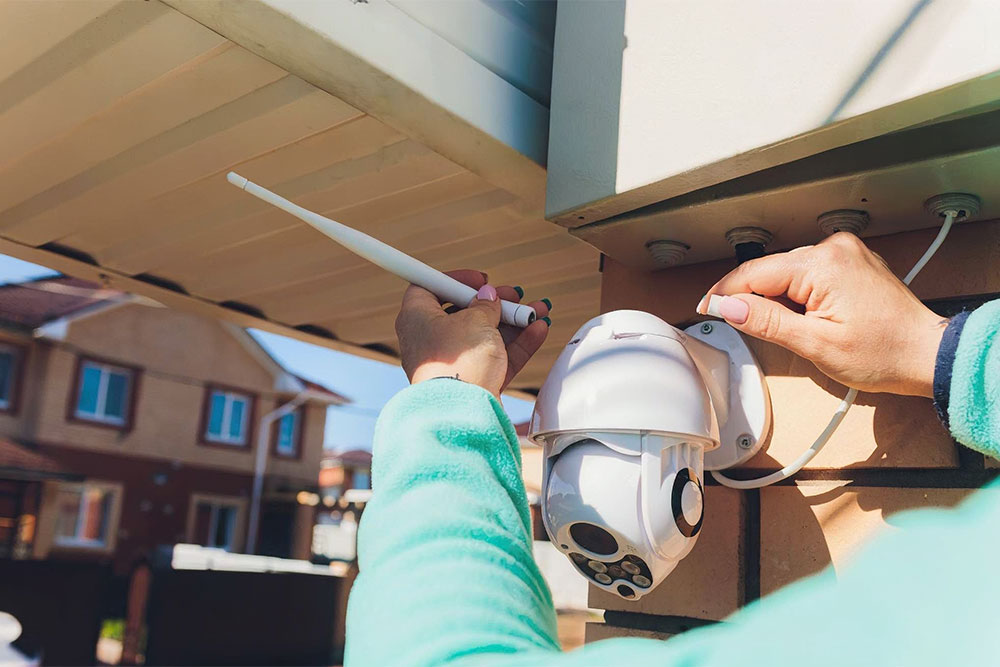
Camera placement affects what can be seen and how effectively different areas are covered. We can help determine suitable positions based on entrances, access points, work areas, and other important parts of your premises.
Security Camera Systems

System Configuration

Once the equipment is installed, the system needs to be configured correctly. This can include camera settings, recording options, system access, and other setup requirements.
Support Icon White

Remote Viewing

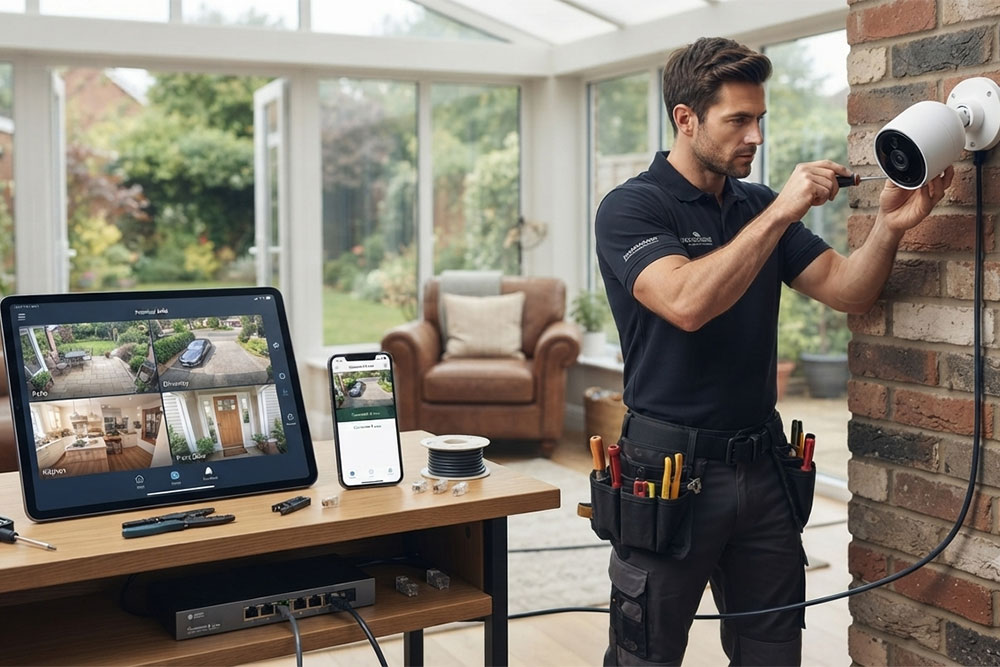
Remote viewing can allow authorized users to access their camera system when they are away from the workplace. Availability and access options depend on the camera system and its configuration.
Backup & Disaster Recovery

Video Retention

Businesses may need recorded footage to remain available for a certain period. Video retention requirements can be considered when setting up or configuring the camera system.
Choose Camera Coverage Around Your Business

Choose Camera Coverage Around Your Business

The areas that need camera coverage will depend on how your workplace is used. Some businesses may need visibility around entrances and exits, while others may also want to monitor parking areas, reception spaces, stock rooms, equipment areas, or other parts of the premises.

Rather than using the same setup for every business, camera locations can be considered around your actual workplace and the areas that matter most to your operations.
Camera App & Viewing Setup

Improve an Existing Camera System

A complete replacement is not always necessary when a business already has security cameras. Existing equipment can be reviewed to determine whether additional cameras, replacement equipment, repositioning, or configuration changes may improve the setup. Compatibility with the current system should also be considered before adding new equipment.

Camera Systems That Fit Your Workplace
Background Dotted Pattern
Tailored Security Solutions

Camera Systems That Fit Your Workplace

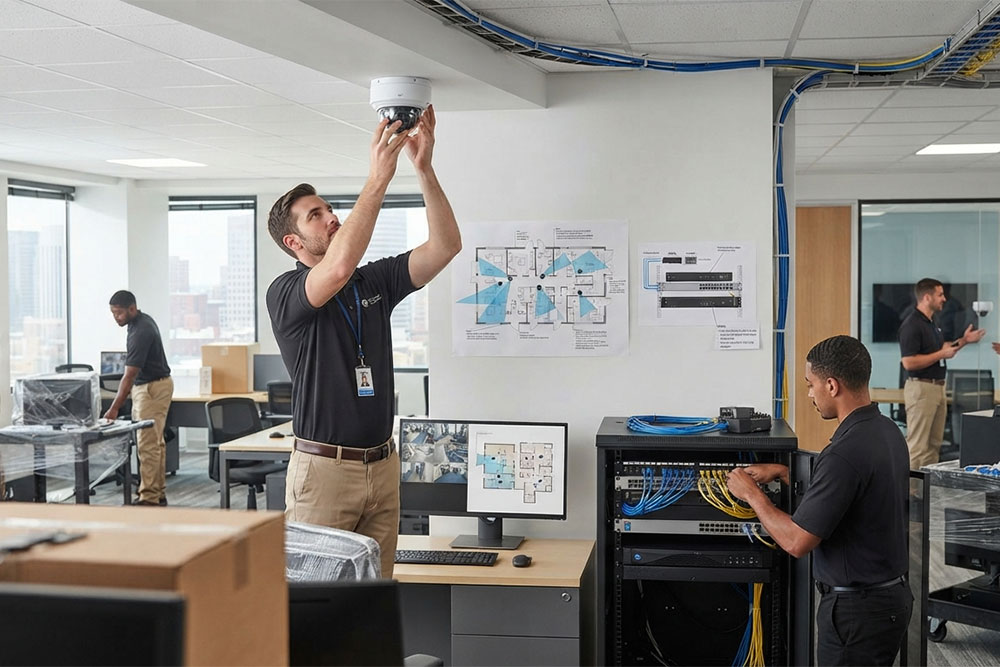
The right setup depends on more than the number of cameras. The physical layout of your premises and the way your business operates can affect the system requirements.

Factors to consider may include:

Considering these details before installation can help create a system that suits the workplace rather than relying on a standard setup.

How It Works

From Planning to a Working Camera System

01

Assess

We review your premises and discuss the areas where camera coverage is required.

02

Plan

Camera positions, equipment requirements, and system configuration are considered based on the workplace.
03

Install

The required cameras and related equipment are installed as part of the planned setup.
04

Test

The system is checked to make sure cameras, connections, recording, and access are working as expected.
Security Camera Support Across Northern California
Background Dotted Pattern
Northern California Support

Security Camera Systems Across Northern California

StablePoint IT helps businesses across Northern California with security camera system requirements, including new installations, existing system improvements, and technical troubleshooting.

Businesses in San Francisco and Oakland can discuss their premises, coverage requirements, and existing camera setup with our team.

Business Camera Planning

Get the Right Camera Setup for Your Business

Planning a new system or looking to improve the one you already have? Tell us about your workplace and the areas you need to monitor.

FAQ

Frequently Asked Questions

How many security cameras does my business need?
The number depends on the size and layout of the premises, areas requiring coverage, and the level of visibility you need.
Common locations include entrances, exits, reception areas, parking or access points, and other areas where monitoring is required. Placement should be based on the layout of your premises.
Often, yes. Compatibility with your current cameras, equipment, and system should be checked before adding new devices.
The timeframe varies according to the number of cameras, premises layout, equipment involved, and installation requirements.
Remote viewing may be possible depending on the camera system, configuration, network connection, and available access options.
Scroll to Top

How to Apply

Interested in joining StablePoint IT? Complete the application form below and provide your details. Our team will review your application and contact you if your experience and skills are a suitable match for the position.