
Office IT Relocation Services
Moving Offices? Get Your Technology Ready Too
An office move involves more than packing up desks and computers. Your internet connection, network equipment, workstations, printers, cabling, and other technology all need to be ready at the new location.
StablePoint IT helps businesses plan and manage the technical side of an office move, from preparing existing equipment to getting the new workplace connected and ready for your team. With the right preparation, your business can move its technology without leaving important details until the last minute.
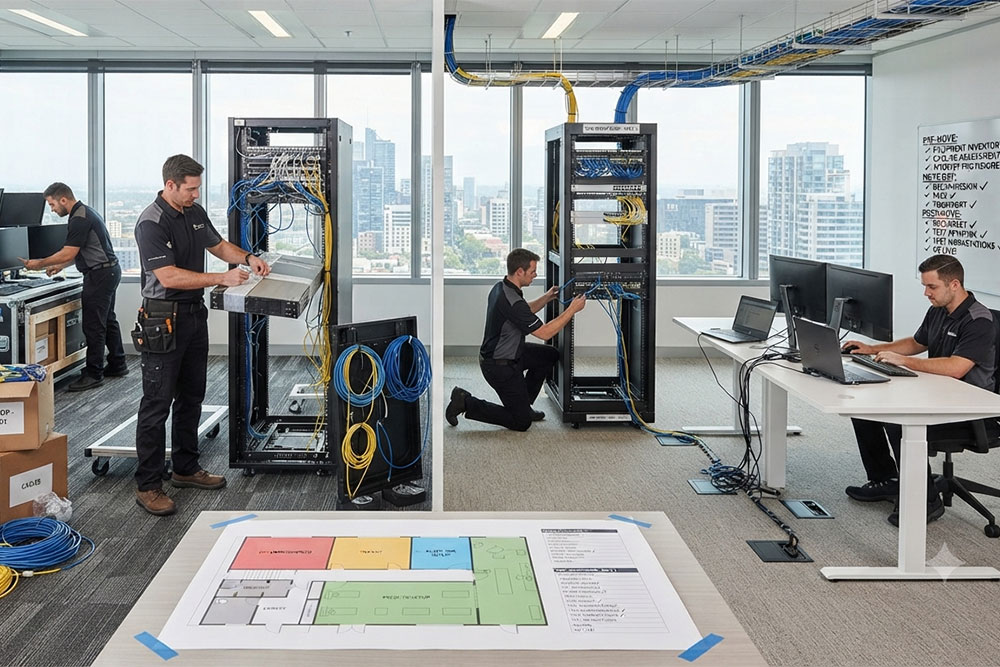

What Happens to Your Technology During an Office Move?
Moving technology from one workplace to another requires more planning than simply unplugging equipment and setting it up again.
The new office may have different network requirements, cabling, internet arrangements, power locations, or workspace layouts. Equipment also needs to be identified, prepared, reconnected, and tested before employees can get back to work.
A relocation plan can help determine:
- Which equipment is moving to the new office
- What needs to be prepared before the move
- Where workstations and network equipment will be installed
- What internet and connectivity arrangements are required
- Whether existing cabling will work at the new location
- What needs to be tested before the office is fully operational
Our Office IT Relocation Services That Cover the Technical Move

IT Move Planning
A successful relocation starts with knowing what needs to happen and when. We can help review your current technology setup and identify the technical tasks that need to be completed before, during, and after the move.

Equipment Preparation
Computers, monitors, printers, network equipment, and other devices need to be prepared before they are disconnected. Proper preparation helps reduce confusion when equipment is reinstalled at the new workplace.

Network & Internet Setup
Your new office needs working connectivity before your team can operate normally. We can help coordinate the technical setup of network equipment and connections at the new location.

Workstation Setup
Employee workstations need to be positioned, connected, and checked after the move. This can include computers, monitors, peripherals, and other equipment used at individual desks.

Printer & Device Setup
Shared printers and connected devices may need to be relocated and configured again. We can help reconnect equipment and check that it is available to the users who need it.

Post-Move Testing
Once the technology is installed, it should be checked before employees return to normal work. Testing can help identify connection problems, missing equipment, configuration issues, or other problems that need attention.
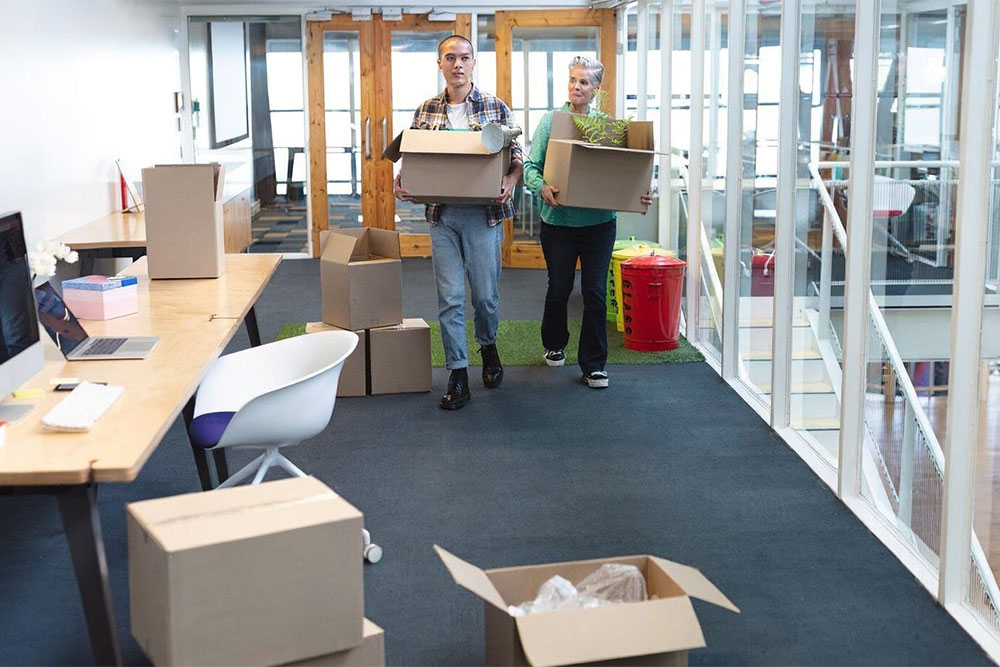
How to Keep Your Office IT Move on Track
The technical side of an office move should be planned alongside the physical relocation. Start by reviewing the new workspace and identifying where employees, network equipment, printers, and other technology will be located. Internet and connectivity arrangements should also be considered early, particularly if the new office requires a new connection or changes to the existing setup.
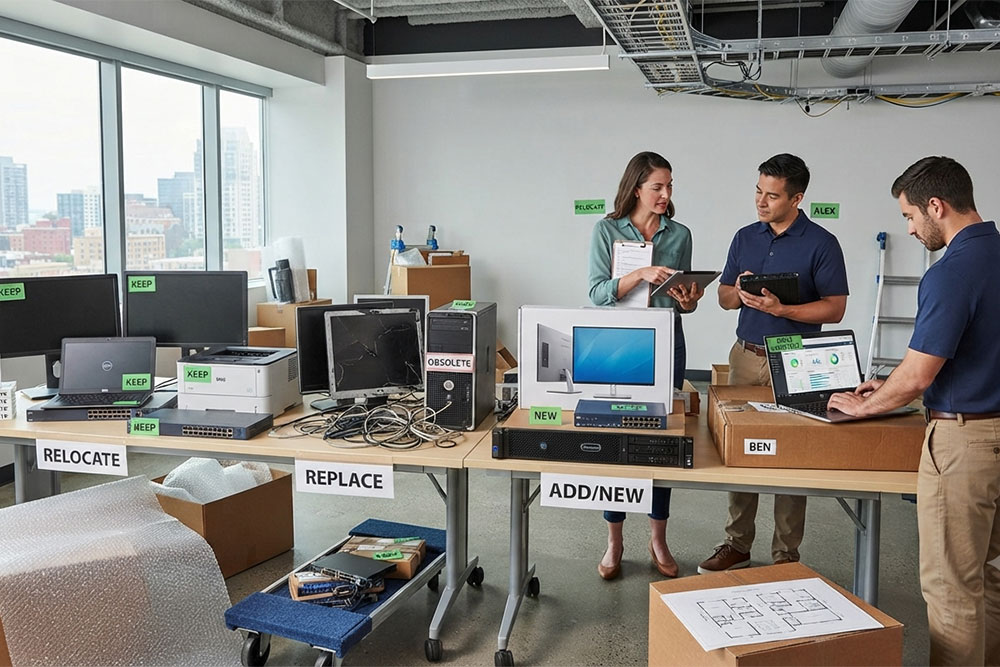
It is also useful to decide what equipment is moving, what is being replaced, and what is no longer required. Having these decisions made before moving day can make the installation process more straightforward.
How It Works
Before, During & After Your Office Move
01
Before the Move
02
During the Move
Equipment can be disconnected and relocated according to the agreed plan. The new workplace can then be prepared for the installation and reconnection of the necessary technology.
After the Move
Should You Move or Replace Your Existing Equipment?
An office move does not automatically mean that your technology needs to be replaced. Existing computers, monitors, printers, network equipment, and other devices may still be suitable for the new workplace. The move provides an opportunity to review what you already have and determine what should be relocated, replaced, or added.
This can help prevent unnecessary purchases while making sure the new office has the equipment your team actually needs.
IT Relocation Across Northern California
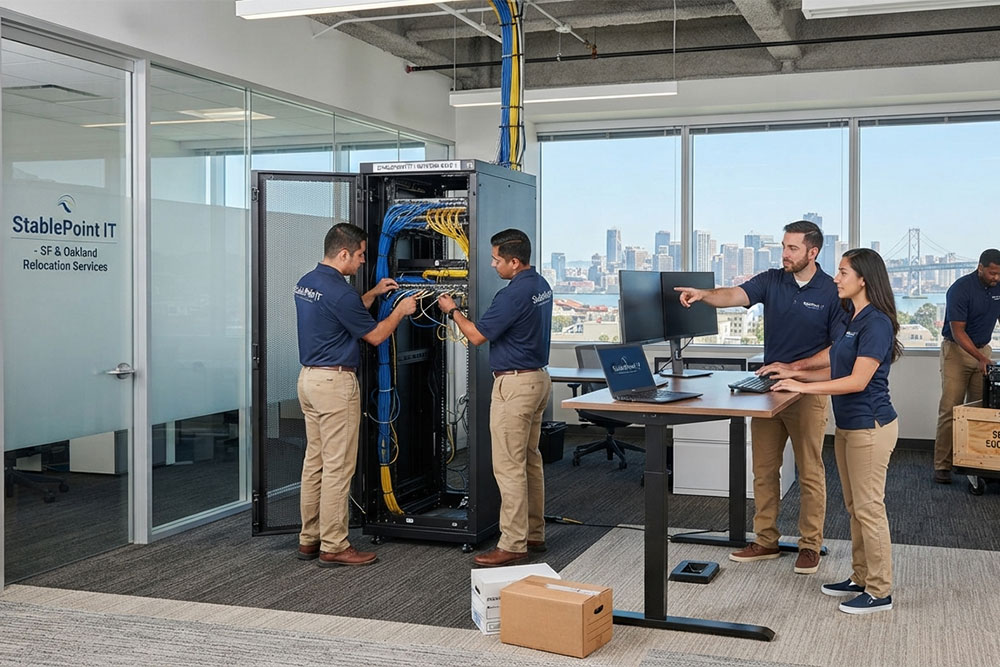
StablePoint IT provides business relocation technology support in Oakland & San Francisco, helping businesses prepare their technology for a move and get their new workplace connected and ready.
Our IT relocation across Northern California can include planning, equipment setup, network connections, workstation preparation, and post-move testing based on your requirements.
If you are planning an office move, tell us about your current workplace and what you need at the new location.
CO-MANAGED IT
Get Your New Office Ready for Work
Planning an office move IT setup in San Francisco, Oakland, or elsewhere in Northern California? Let’s get your new workplace ready for your team.
FAQ