
Start Using Your New Computer Without the Setup Hassle
Bought a New Computer? Let’s Get It Ready
Setting up a new computer can involve more than completing the initial startup screens. You may need to install the programs you use regularly, connect existing equipment, sign into your accounts, and make sure important files are available.
If you are replacing an older computer, there may also be information you want to move across. We can look at what you need from the new device and help organize the setup around your everyday requirements.
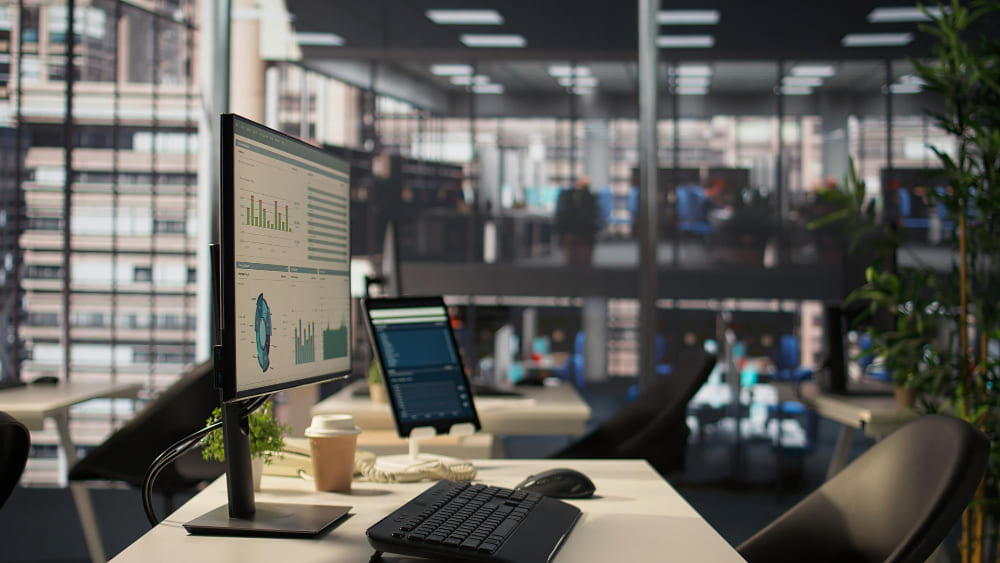

What Can Be Included in Your Computer Setup?

New Computer Configuration

Software & Application Setup

Email & Account Setup

Printer & Device Connections
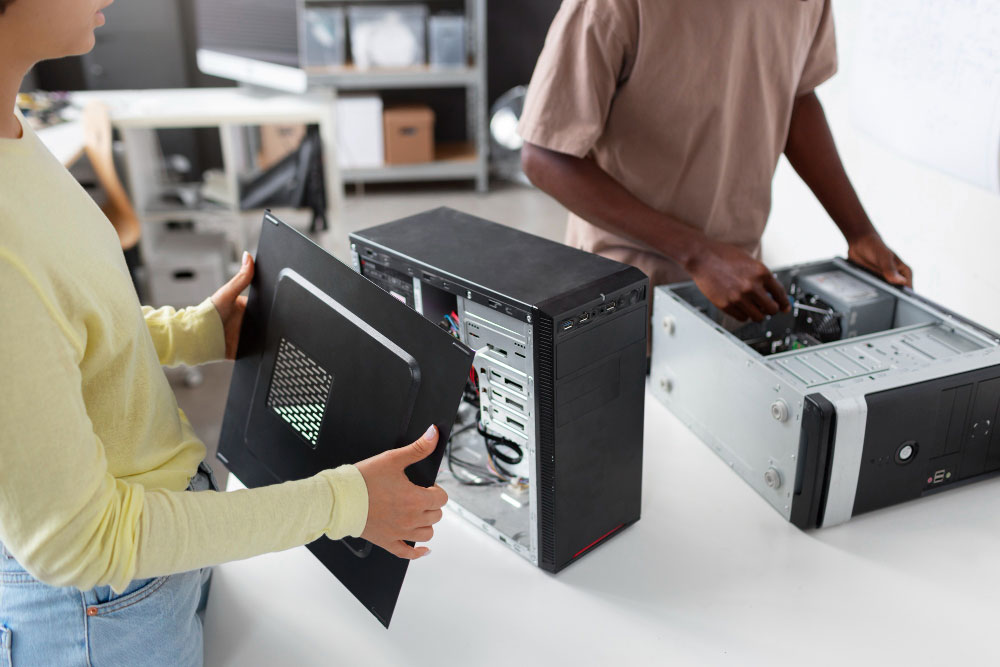
Moving From an Old Computer to a New One?
Getting a new computer does not necessarily mean starting from scratch. If important files are stored on your previous device, we can assess what needs to be moved and determine the appropriate way to transfer it.
Documents, photos, browser information, and other personal data may be transferred where the devices and data allow. We can also help identify information that may no longer need to be carried over, keeping the new computer more organized.
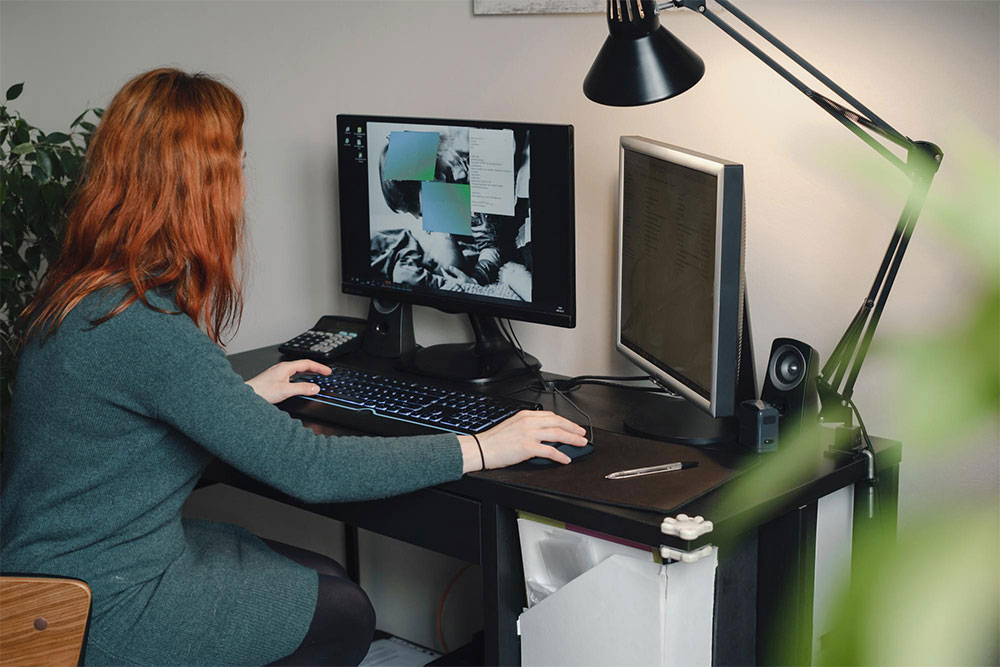
Setting Up a Computer for Your Home Office
A home office often involves several pieces of technology working together. Your computer may need to connect with an external display, printer, webcam, storage device, or other equipment depending on what you do from home.
If you need home office setup help in Oakland, we can configure these components around your workspace and the way you work. Whether the setup is for remote work, online study, or managing everyday household tasks, the equipment can be arranged with your practical requirements in mind.
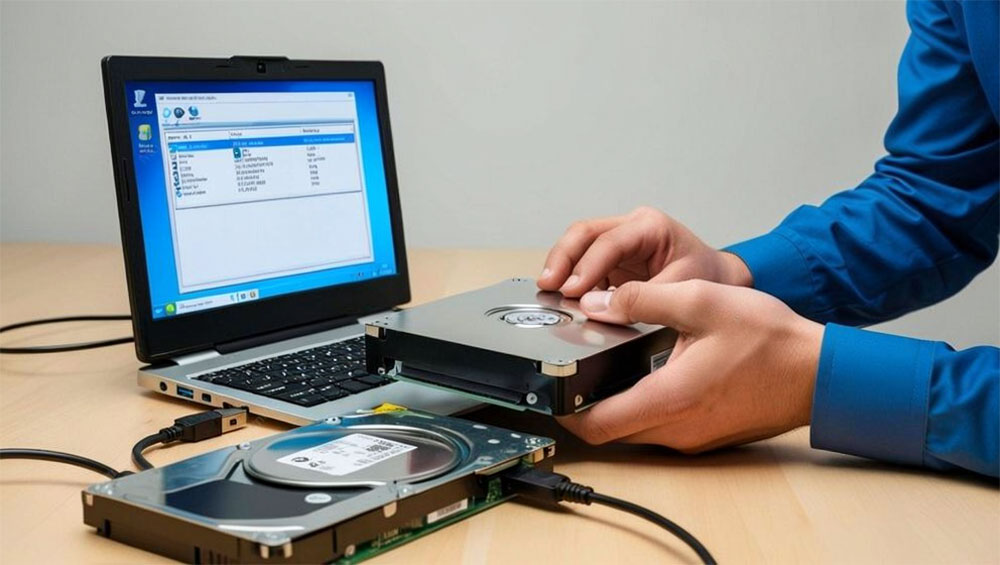
Make Your New Computer Easier to Use
A new computer should feel familiar and comfortable once the initial setup is complete. Basic preferences, display settings, file organization, and other user configurations can all affect how easily you work with the device.
We can help adjust these areas according to your requirements and explain anything you may need to know about using the new computer. This gives you a setup that is easier to manage after the technical work is finished.
From Unboxing to Everyday Use
01
Review Your Setup
We look at the new computer, any previous device, and the equipment you want to use with it. This helps establish what needs to be configured, connected, or transferred.
02
Configure the Computer
Connect Your Equipment
Check Everything Before You Start
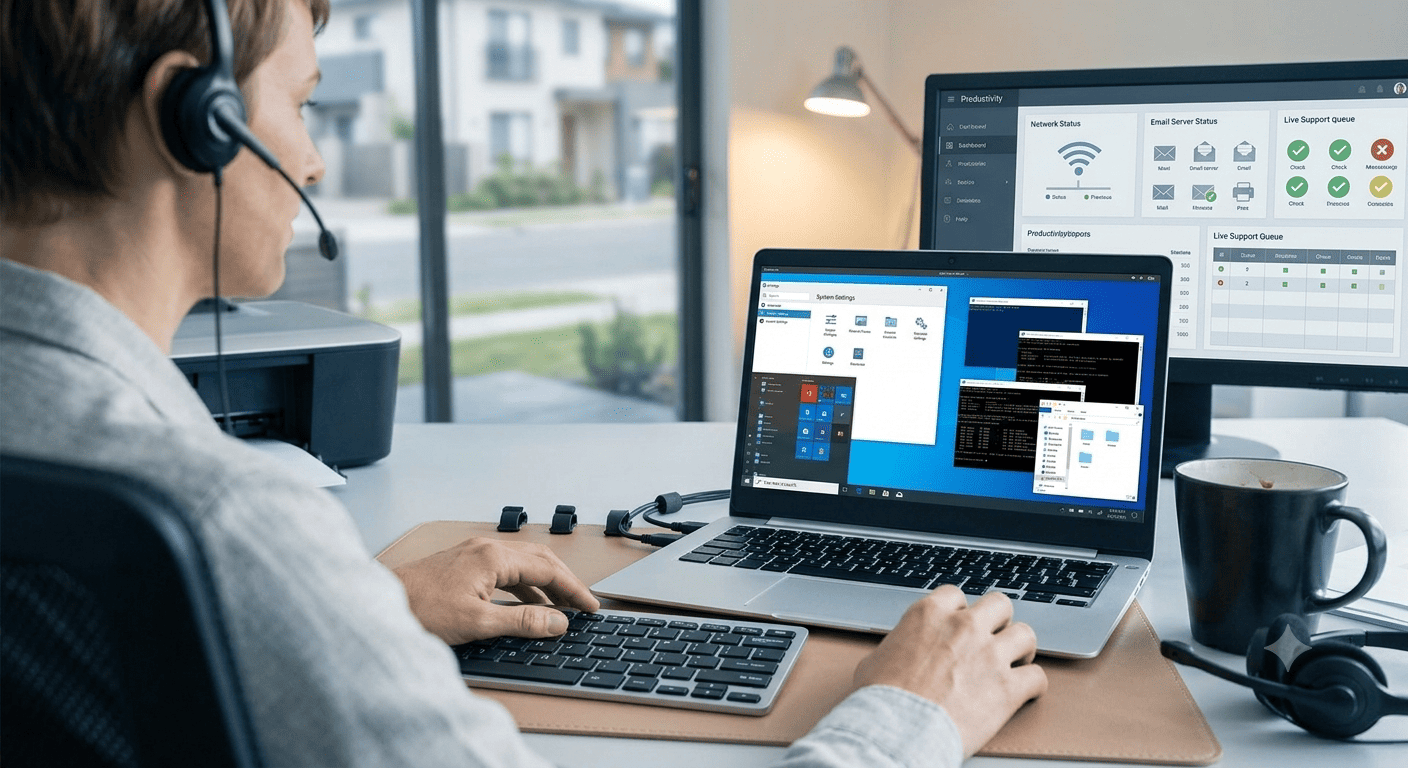
New Computer & Home Office Setup Across Northern California
StablePoint IT helps home users across Northern California with new computer configuration and home office technology setup. If you are looking for a new computer setup service in San Francisco or Oakland, we can help prepare your desktop or laptop and connect the equipment you rely on at home.
Whether you are replacing an older computer or creating a home office from the ground up, the setup can be planned around what you actually need rather than adding unnecessary technology.
FAQ