
Protect Your Files

When Your Files Need Extra Protection

You may need assistance when:
The approach depends on what happened and whether another copy exists.
When Your Files Need Extra Protection
Background Dotted Pattern
Protect Your Data

Backup Support for Important Home Files

Office Moves & Relocation

Computer & File Backup

Documents, photographs, videos, and folders can be included in a backup arrangement suited to your computer. We can configure a backup method based on the data you want to protect.
Backup & Disaster Recovery

External Drive Backup

An external drive can provide another copy of important information. We can assist with storage and backup settings.
Cloud Upload

Cloud Backup

Cloud-based services can provide another location for selected data. We can configure solutions and review included files.
Communication

Backup Review

Already have a backup in place? We can examine what is being copied, where those copies are stored, and whether important folders are included. This helps give you a clearer view of your existing home backup solutions.

Need to Recover Lost or Missing Files

Need to Recover Lost or Missing Files?

When files disappear or become inaccessible, recovery may involve restoring information from an available backup or locating files that are still present. Support may be appropriate after accidental deletion, a computer problem, missing folders, or an inaccessible backup. Recovery depends on the type of data loss, device condition, and availability of another copy.
Bring Your Files to Your New Computer

Bring Your Files to Your New Computer

If an accessible backup or another usable copy exists, we can help identify needed data and move files to a replacement computer. This can include documents, photographs, videos, and folders, depending on where the original information and copies are stored.
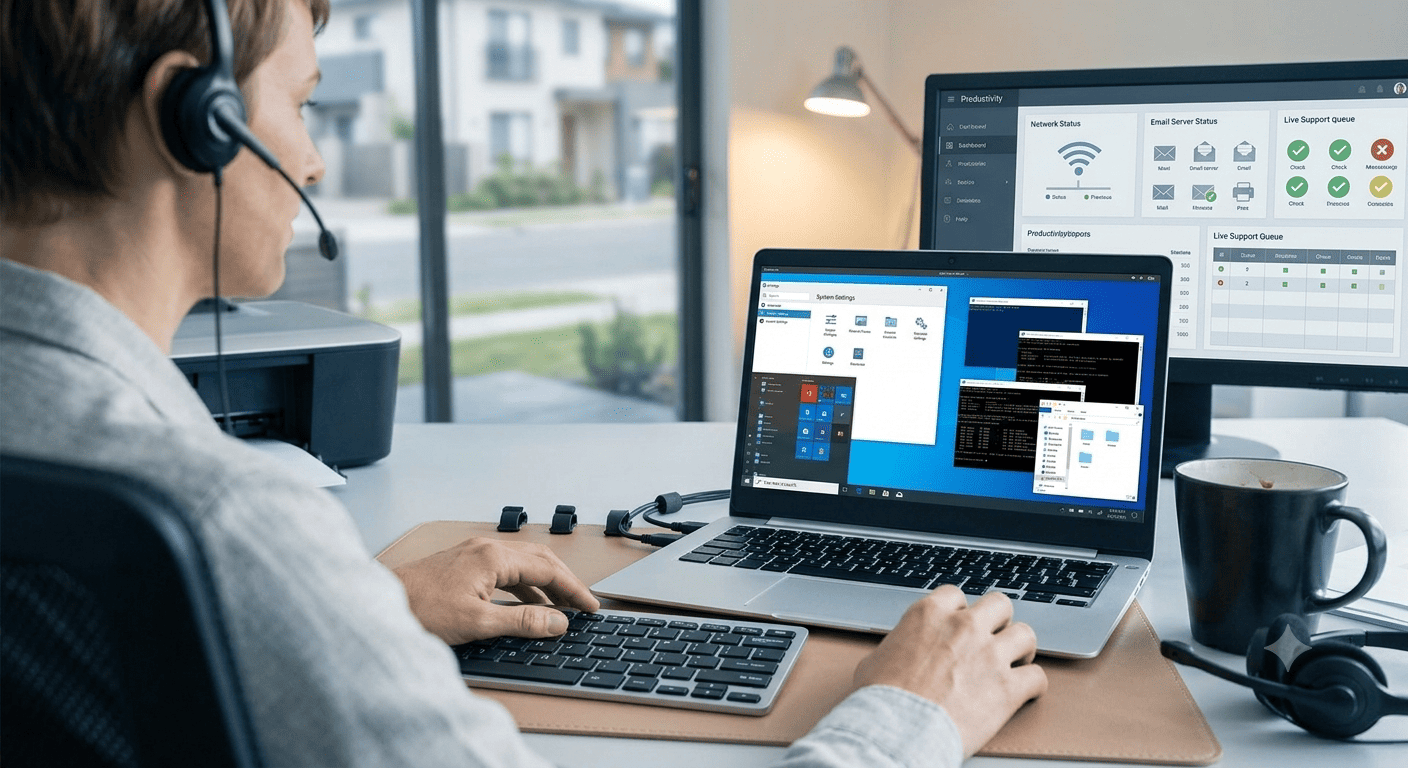
Suitable IT Issues
Background Dotted Pattern
Verify Your Backups

Know Whether Your Files Are Actually Backed Up

A backup drive or cloud account does not automatically mean every important file is protected. We can review:

How It Works

How We Handle Backup & Recovery

01

Understand

We identify the information you want to protect or the files you are trying to recover.

02

Assess

Devices, storage, backup copies, and the data-loss situation are reviewed.
03

Restore or Configure

We configure the backup arrangement or use available copies to restore accessible information.
04

Verify

We check the backup settings or restored files so you know where the information is.
Helping Your Technology
Background Dotted Pattern
Northern California Support

Home Data Backup & Recovery Across Northern California

StablePoint IT assists residential customers across Northern California with backup setup, recovery, and file restoration. Homeowners in San Francisco and Oakland can request a file recovery service in Northern California when important information has become inaccessible or needs to be restored from an available copy.

FAQ

Frequently Asked Questions

How often should I check that my backup is working?
Regular checks confirm that recent copies are being created and important files remain included.
Additional copies reduce reliance on one device or storage location. The arrangement depends on what you need to protect.
Avoid formatting or unnecessary changes until the situation is understood. The drive and backup data can be checked first.
Yes. When the files are available in a usable backup, selected data can often be restored without restoring the entire computer.
Possibly. Older copies may contain information unavailable elsewhere. Their value depends on what they contain and whether files remain accessible.
We can review storage locations to identify where files are kept and whether another copy exists.
Scroll to Top

How to Apply

Interested in joining StablePoint IT? Complete the application form below and provide your details. Our team will review your application and contact you if your experience and skills are a suitable match for the position.