
Having Trouble With Your Computer or Laptop? We Can Help.
A computer that freezes, runs slowly, crashes, or refuses to start can quickly become a problem when you rely on it for work, study, communication, or everyday tasks. Computer troubleshooting help can identify what is causing the problem and whether it can be resolved without replacing the device.
StablePoint IT helps home users troubleshoot and resolve computer and laptop problems, from software issues and performance problems to startup faults and hardware-related concerns. We first identify what is causing the issue so the right solution can be considered.
Computer & Laptop Issues We Troubleshoot

Slow Computer Performance

Computer Freezing or Crashing

Laptop & Computer Startup Problems

Software & Application Issues

Hardware & Peripheral Problems
When Is a Computer Worth Repairing?
A problem with your computer does not necessarily mean it needs to be replaced. The right option can depend on the device’s age, condition, performance, type of fault, and likely repair requirements. We can help assess the issue, so you have a clearer understanding of whether repairing the computer makes sense or whether replacement may be more practical.
This can help you avoid replacing a device before understanding what is actually wrong with it. If you need computer repair in San Francisco, assessing the problem first can help determine whether repairing the device is practical or whether replacement may make more sense.
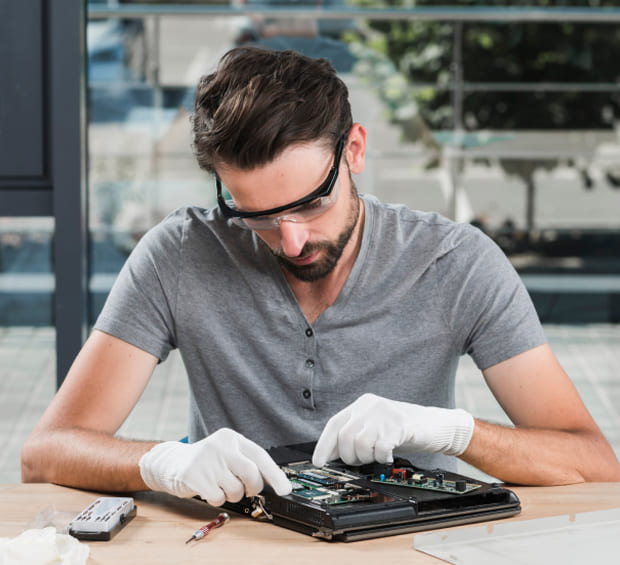

How It Works
What Happens During a Computer Repair?
01
Identify the Problem
We discuss the symptoms you are experiencing and investigate the likely cause.
02
Check the Device
Address the Issue
Test the Computer
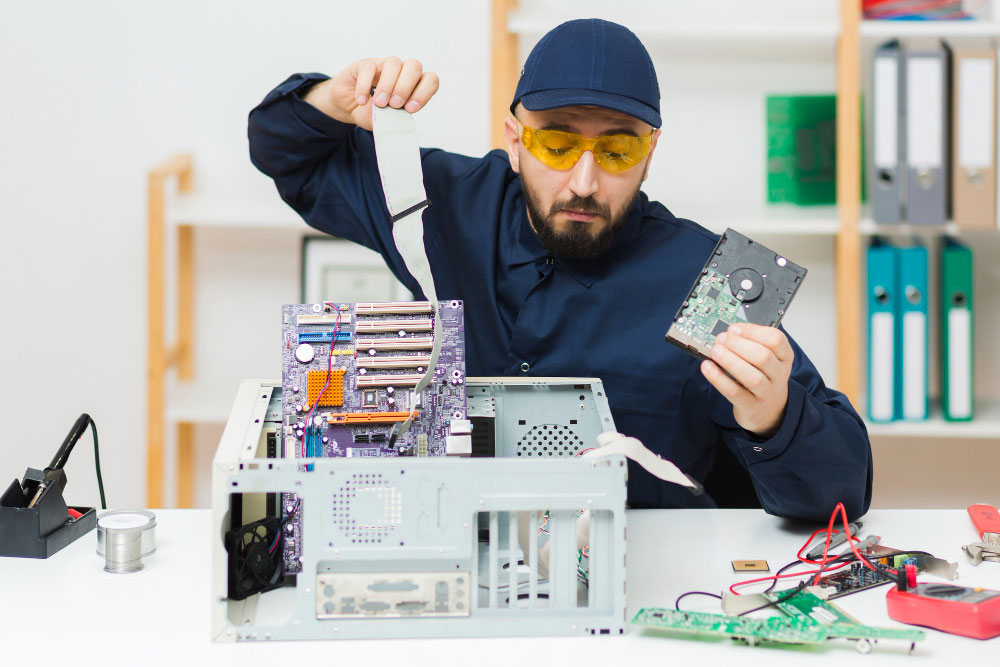
Computer & Laptop Repair Across Northern California
If your home computer or laptop is not working as expected, StablePoint IT can help troubleshoot the problem and determine the appropriate next step.
We assist home users across Northern California, including those looking for laptop repair in Oakland, with troubleshooting, repairs, and technical assistance based on the device and problem involved.
FAQ